
Watch how it goes up, and how to run it.
We are filming a short series this season: install day, the track, the controller, app setup, schedules and winter care. Each one is a few minutes long.
The first videos are being filmed on installs this fall. Until then, every topic below is covered step by step in the written guides.
Read the guides8 videos planned
 ≈ 4 min Coming soon
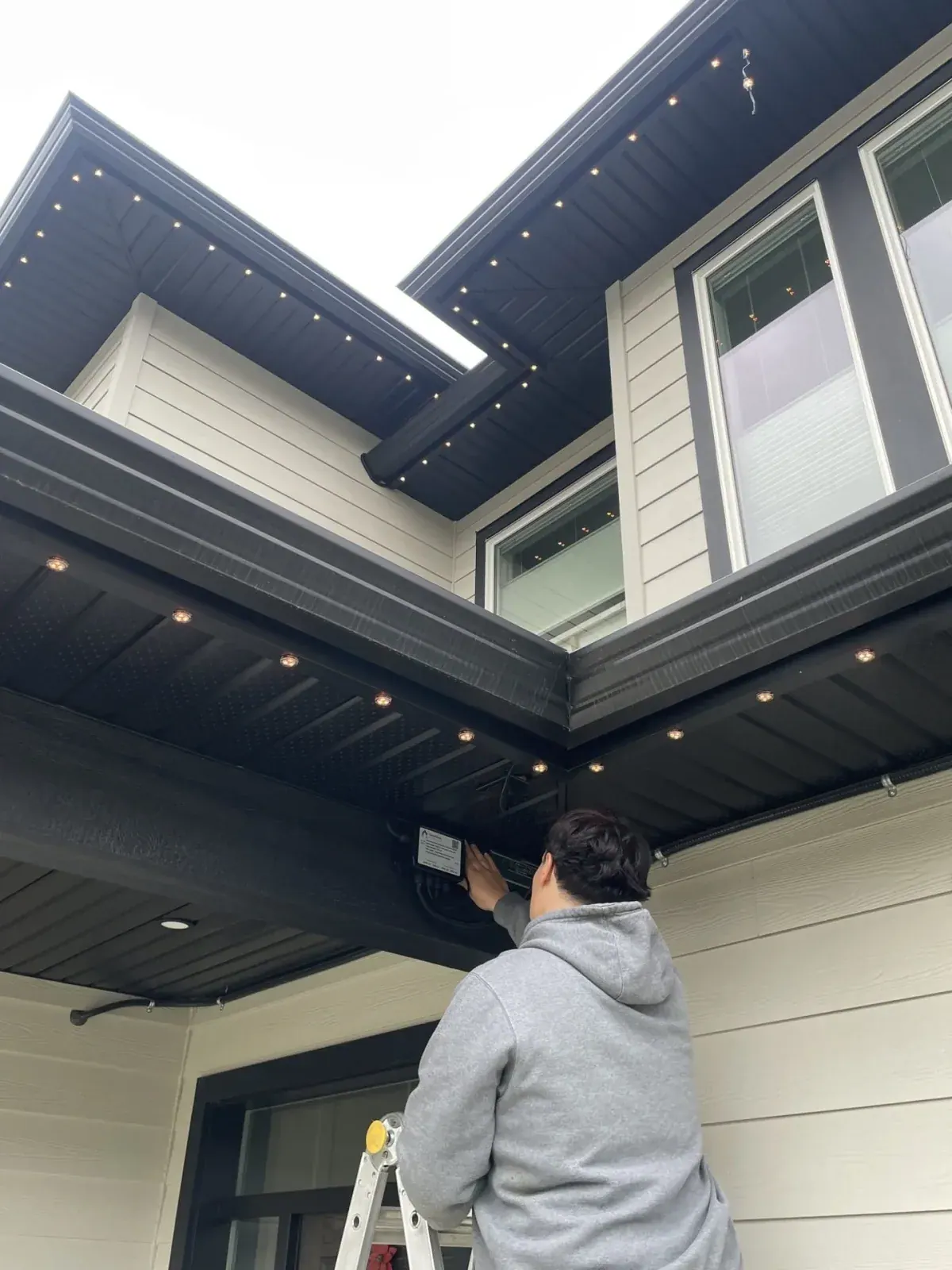
What to expect on install day
A walkthrough of a typical one-day residential installation, from the lift arriving to the final zone test.
 ≈ 3 min Coming soon
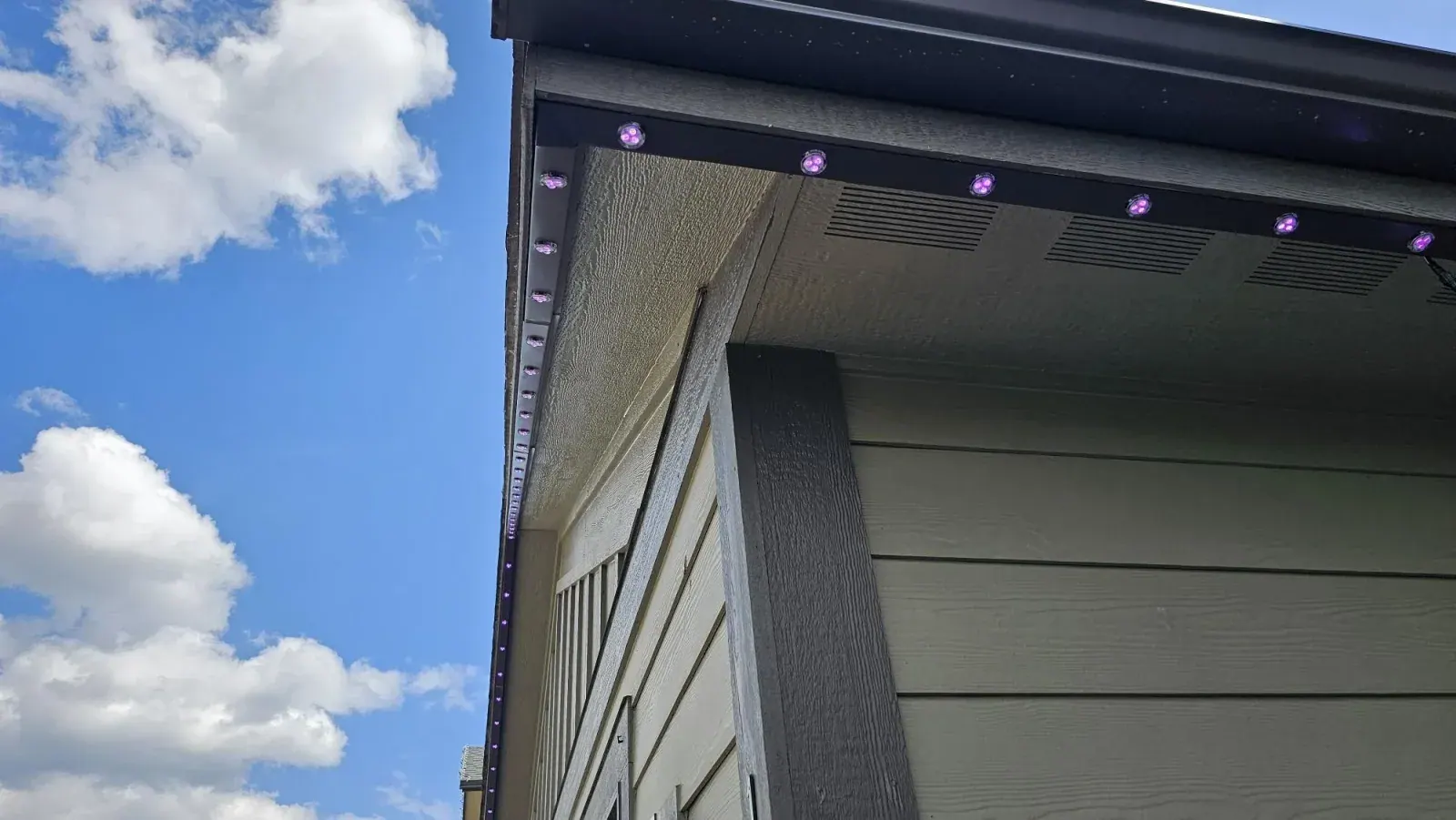
How the track mounts to your soffit
Where the channel sits, how it is fastened to wood, aluminum and vinyl soffit, and how the wiring is hidden.
 ≈ 3 min Coming soon
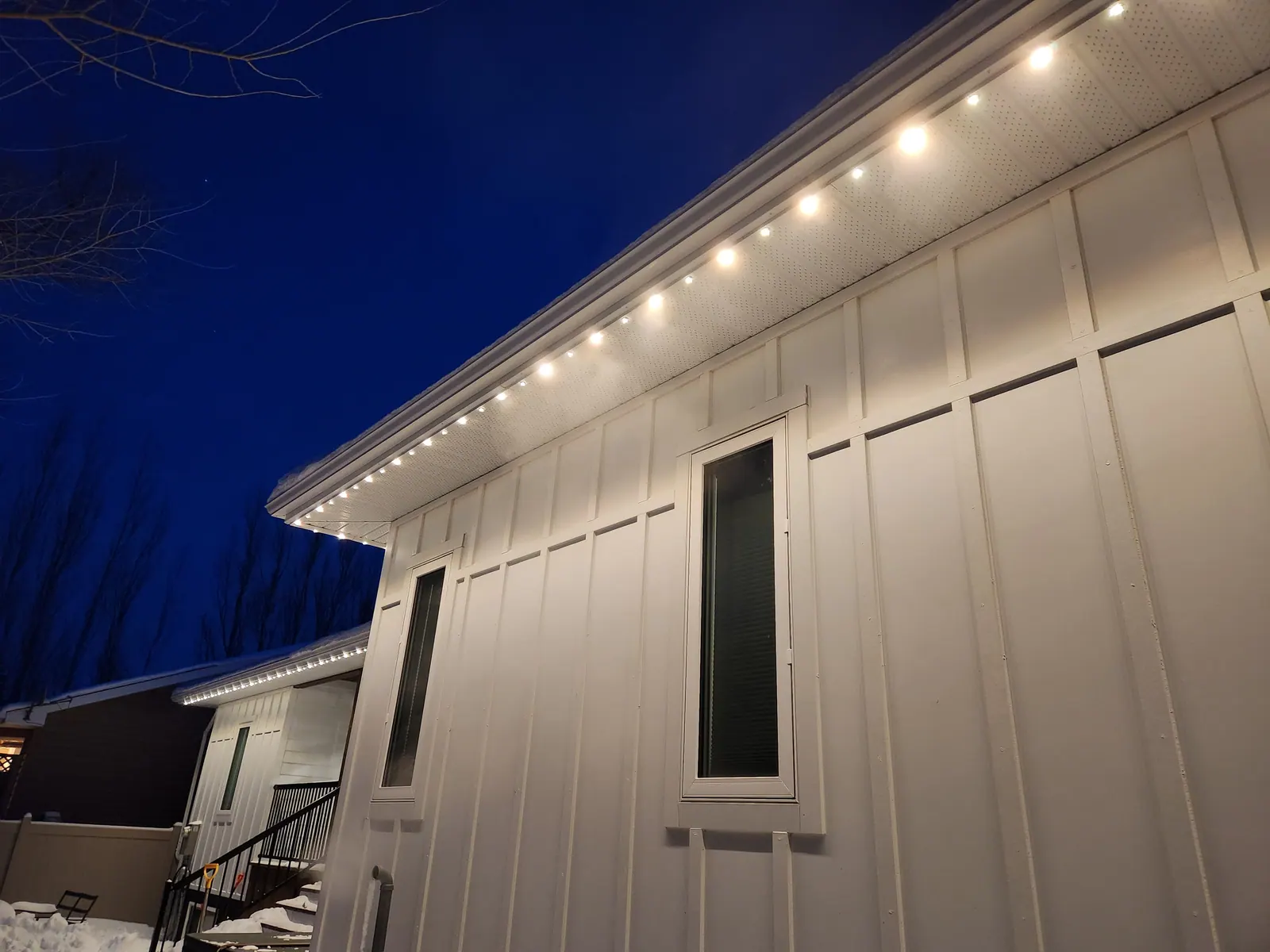
The controller, transformer and power supply
What each box does, where they are mounted, and how the system connects to a GFCI outlet.
 ≈ 5 min Coming soon
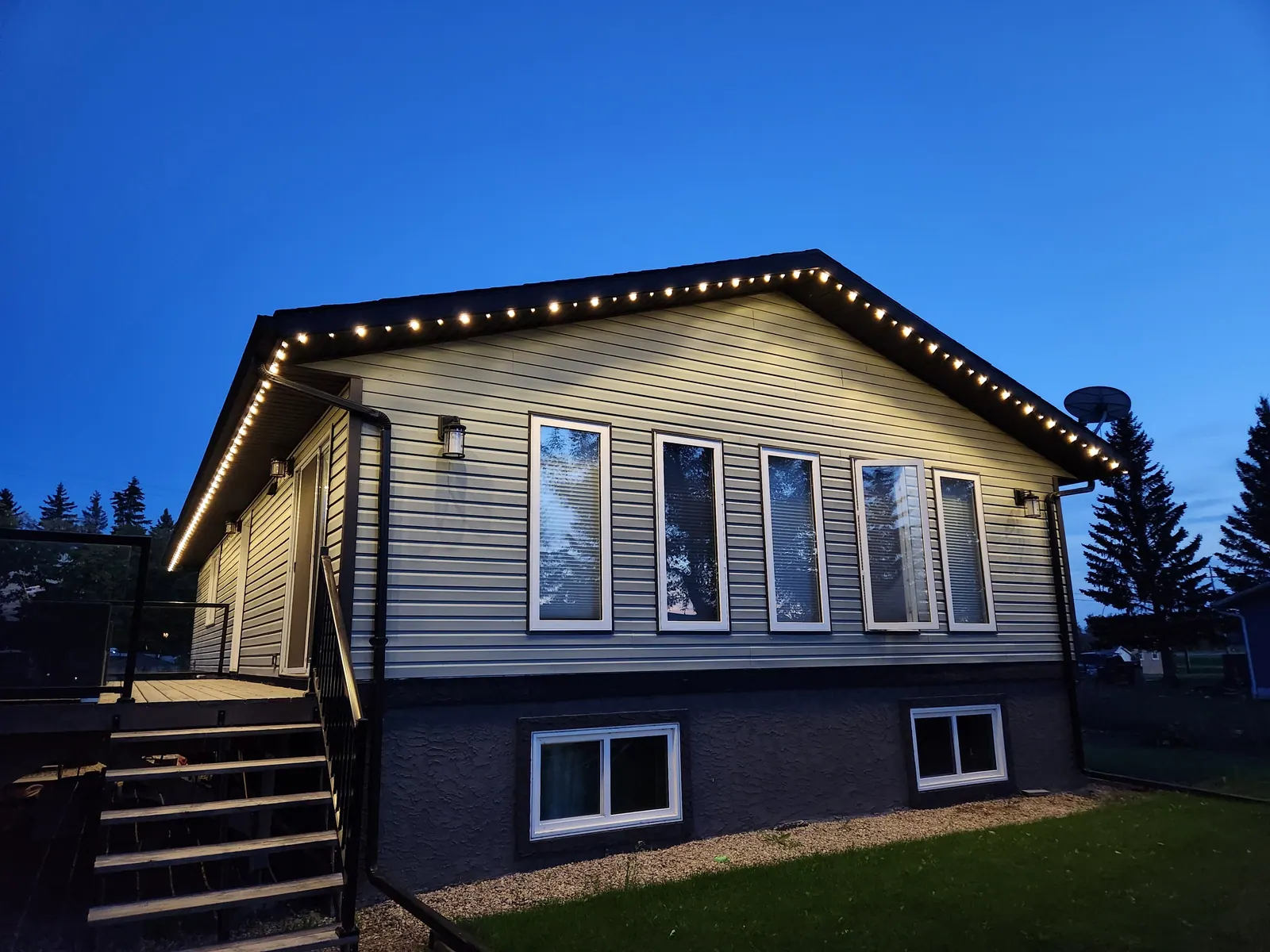
App setup: your first scene in 5 minutes
Connecting to the controller, picking a colour, saving a scene and switching it from anywhere.
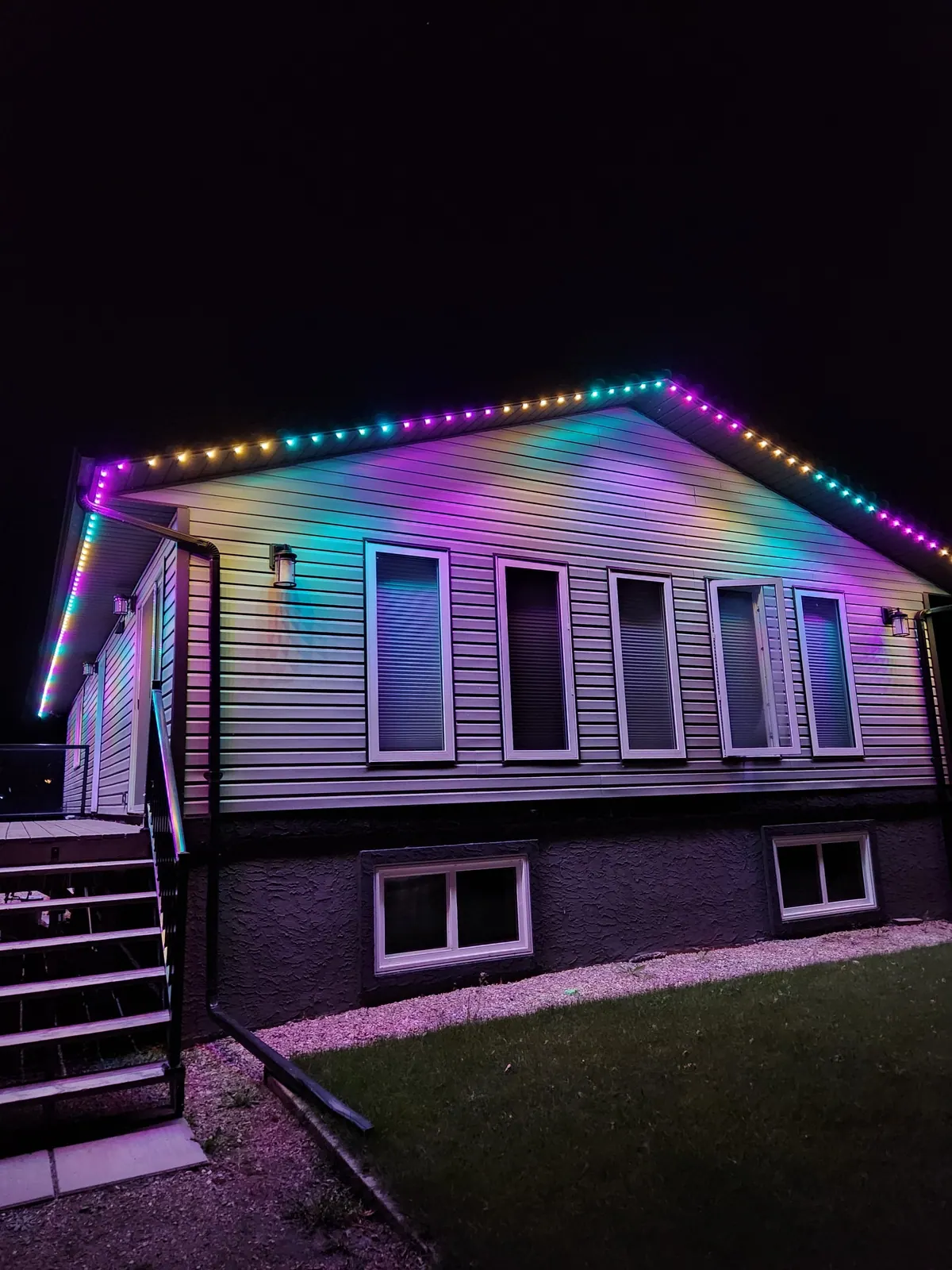 ≈ 4 min Coming soon
Schedules and dusk-to-dawn timers
Setting a nightly warm-white schedule and pre-loading holiday scenes for the whole year.
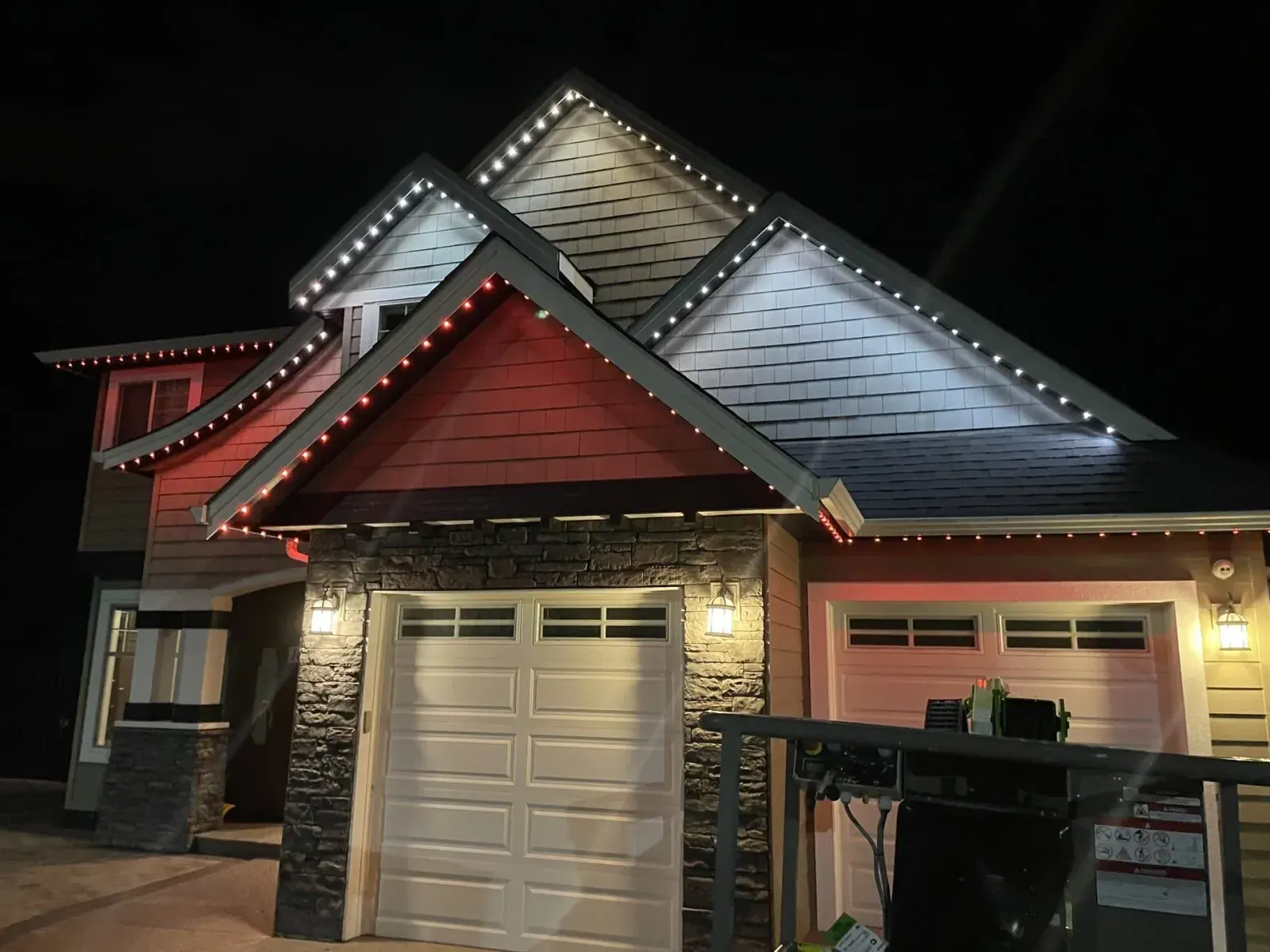 ≈ 4 min Coming soon
Holiday presets and colour themes
Christmas, Halloween, Canada Day and custom themes, plus how to build your own effects.
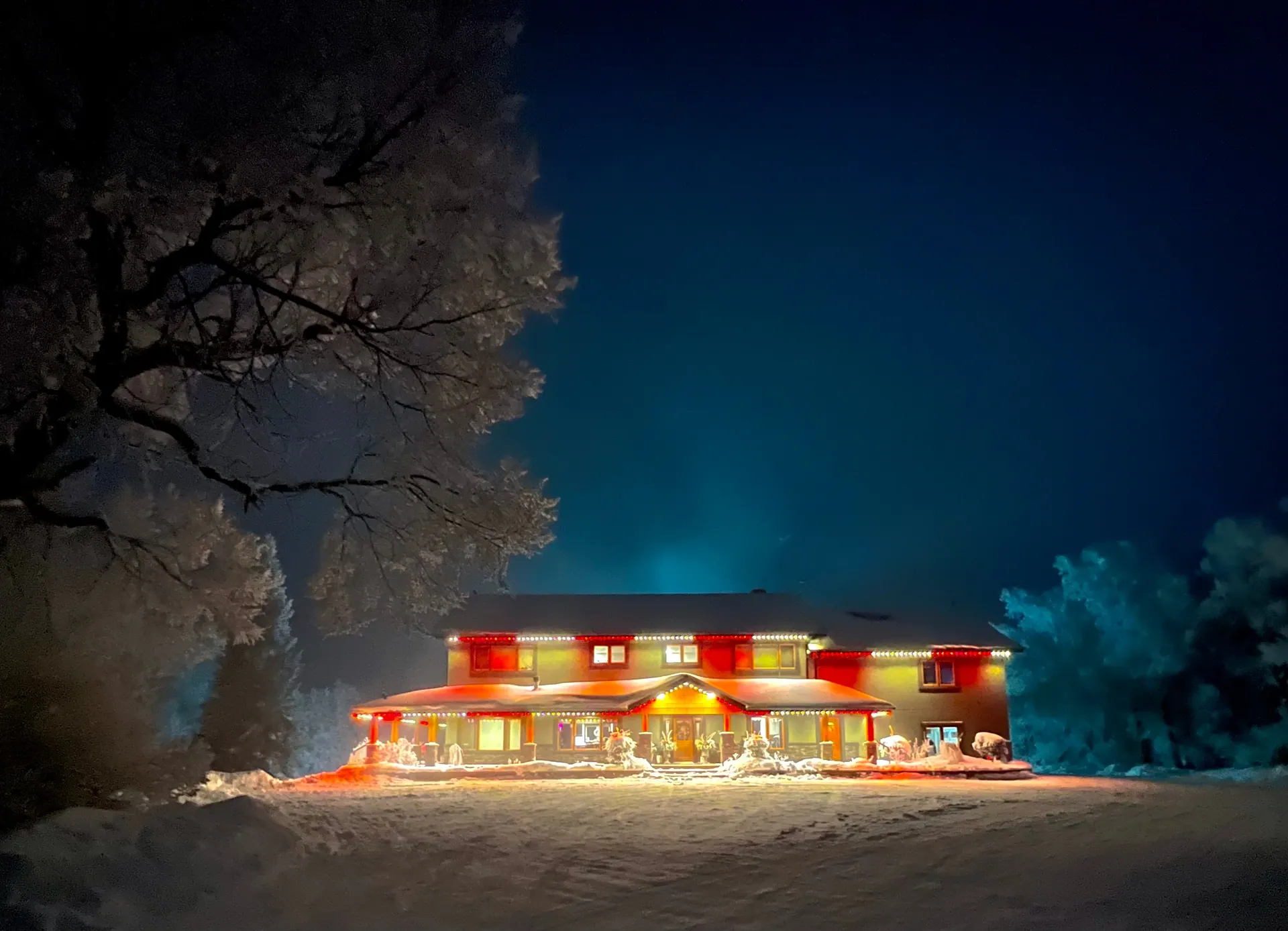 ≈ 2 min Coming soon
Winter care and what to do after an ice storm
Why you never need to clear the track, and the only two things to check after severe weather.
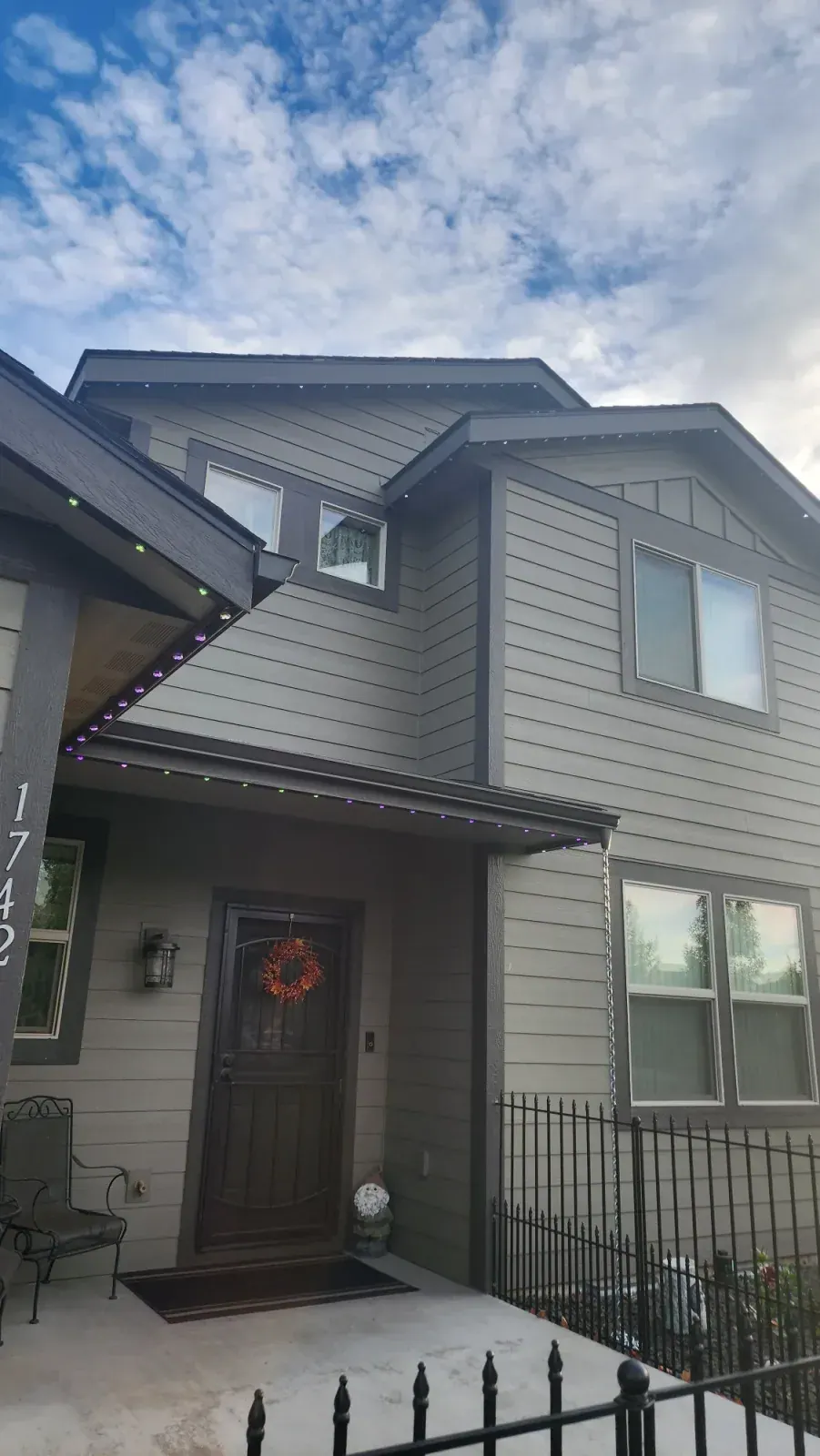 ≈ 3 min Coming soon
Reconnecting the controller after a Wi-Fi change
New router or new password? Re-pair the controller in a couple of minutes.
Prefer a walkthrough right now?
Call us during office hours and we will go through app setup or a re-pair with you on the phone. It usually takes five minutes.
Want to see it on your own home?
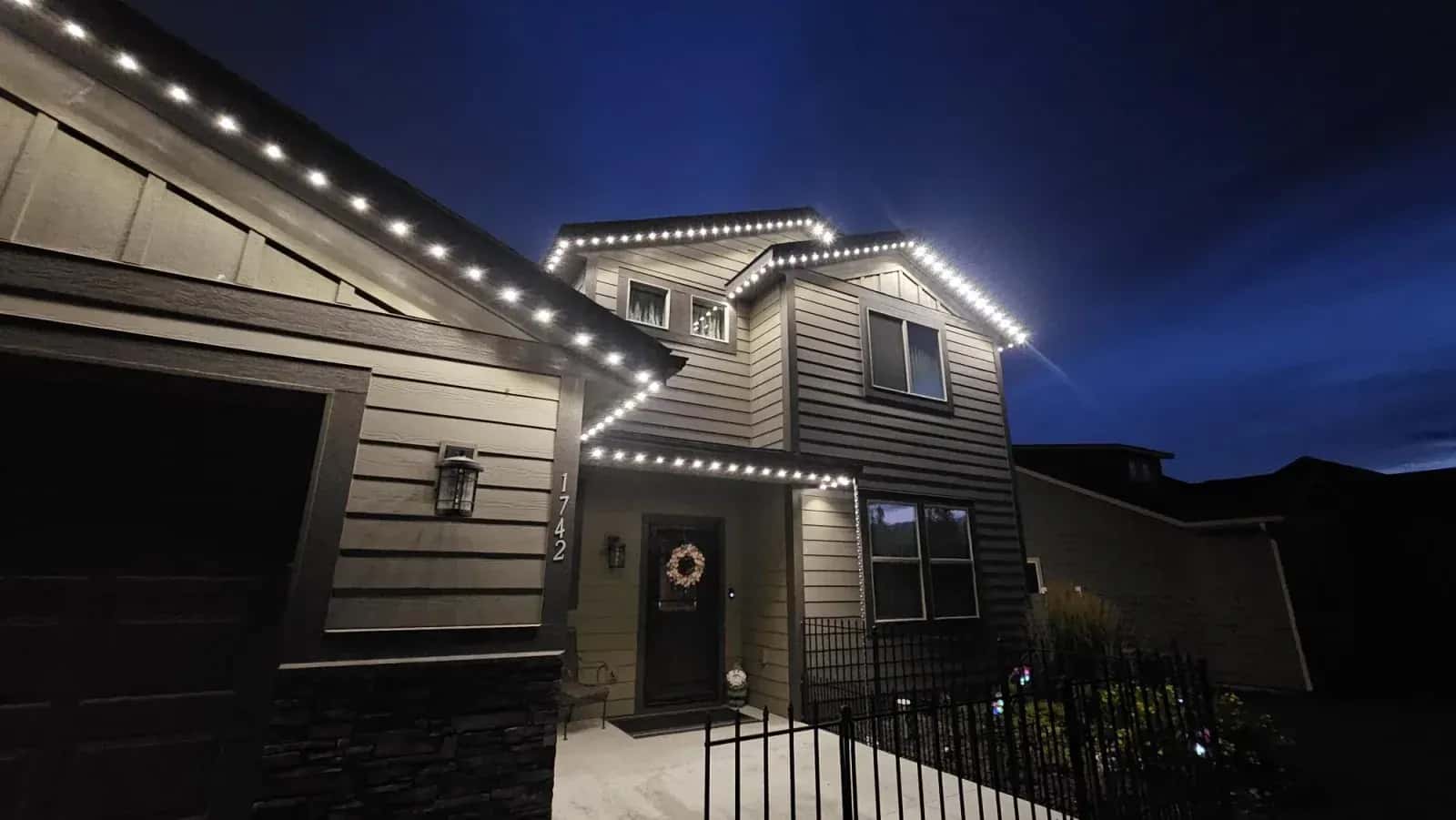
Book a free site visit and we will show you exactly where the track goes and what it looks like at night.
Monday–Friday, 8:00 AM–5:00 PM · 5-year parts · 1-year labour